> For the complete documentation index, see [llms.txt](https://docs.truedat.io/llms.txt). Markdown versions of documentation pages are available by appending `.md` to page URLs; this page is available as [Markdown](https://docs.truedat.io/administration/search-filters.md).
# Search filters
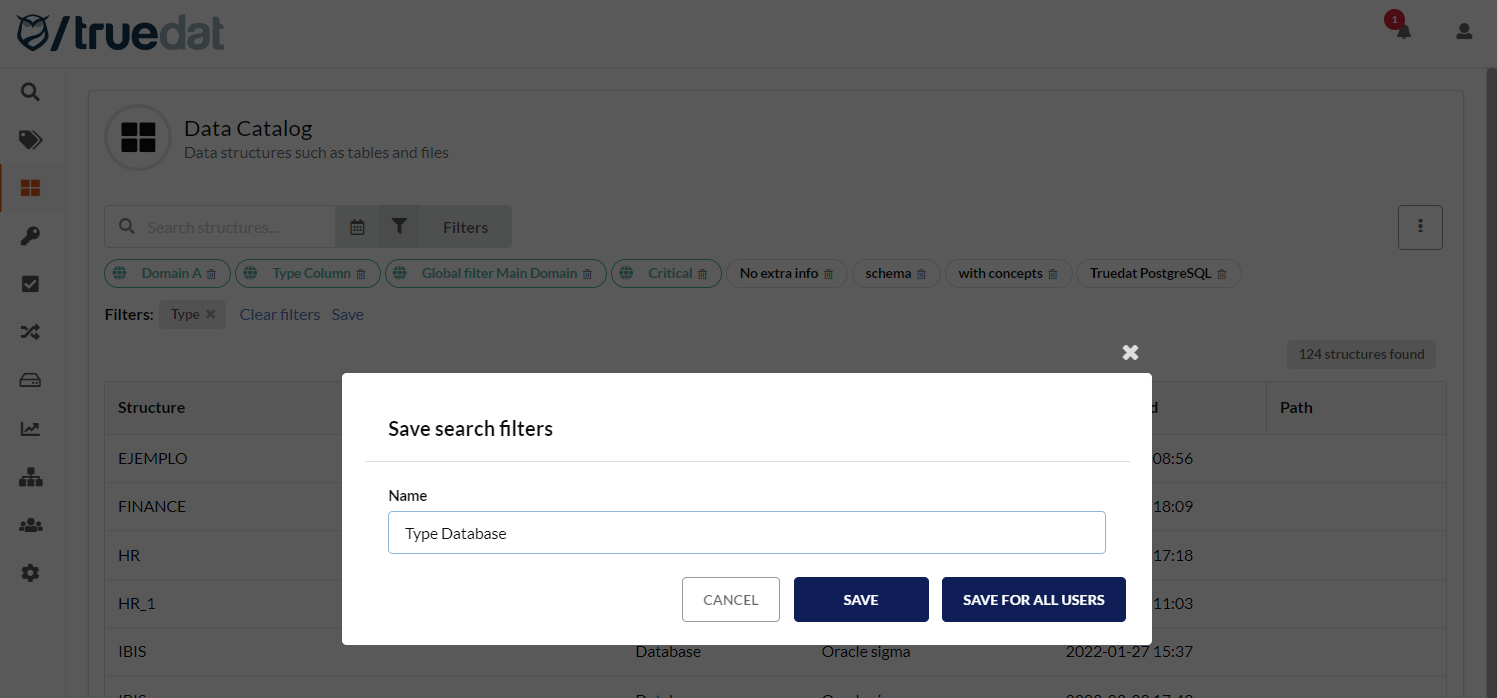
An administrator can create search filters in the Data Catalog, Data Quality, and Business Glossary modules. They can save these filters so they are available by default to all users when they access the modules. Only an administrator can delete these global search filters. Users can view and use global filters. They can also create and save their own personal search filters.
Click on "Save for all users" to create a global filter
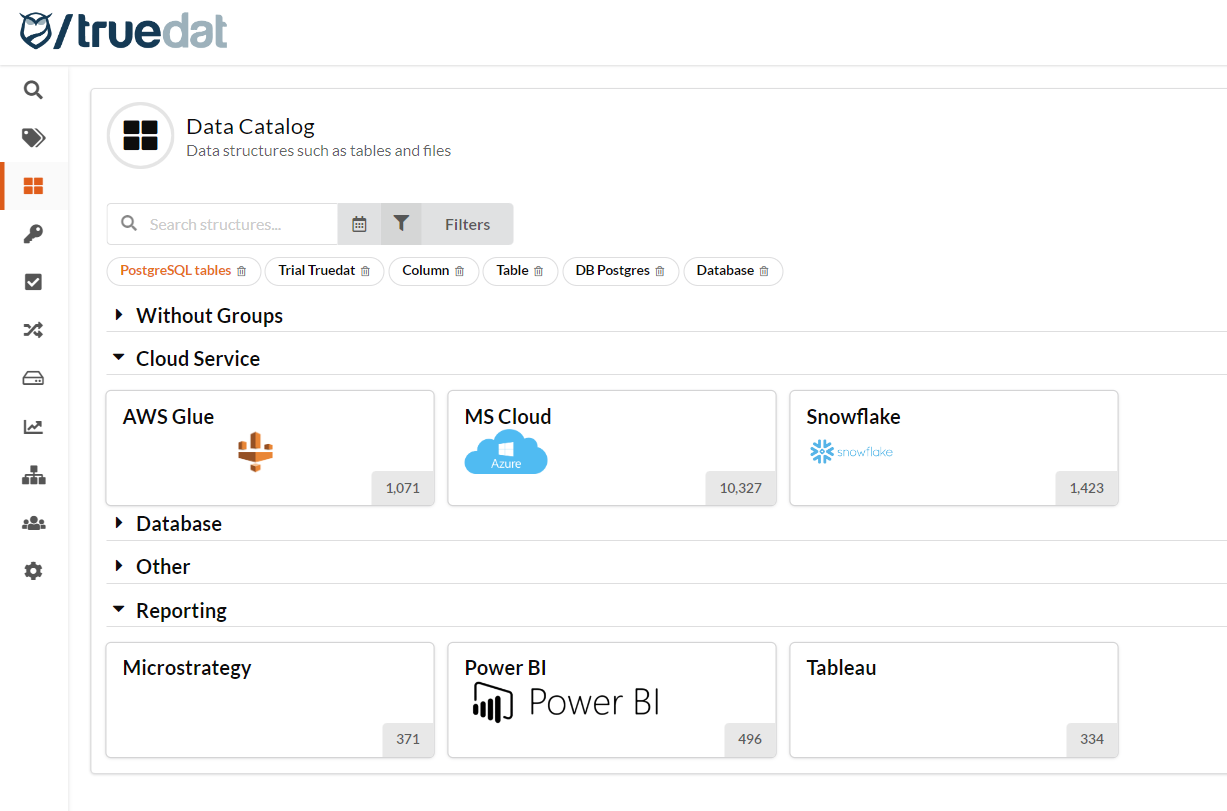
Global filters will be highlighted in a different colour (orange in the example above)