> For the complete documentation index, see [llms.txt](https://docs.truedat.io/llms.txt). Markdown versions of documentation pages are available by appending `.md` to page URLs; this page is available as [Markdown](https://docs.truedat.io/v8.9/administration/hierarchies.md).
# Hierarchies
As an administrator, you can create hierarchies for defining templates. In the **Administration** module, select **Hierarchies** to view all defined hierarchies and their details.
Legend:
: Node with nodes underneath. Clicking on this icon will expand the sublevels.
: Node with nodes underneath that are already visible. Clicking on this icon will collapse the sublevels.
: Node at the lowest level.
#### Create new hierarchy
You can create a new hierarchy in the web application or by uploading a CSV file. The file must use this structure: "id,name,parentId,description". Consider the following:
* The `id` and `parent_id` values must always be numeric.
* If `parent_id` is empty, the node is considered a first-level node.
#### Edit existing hierarchy
You can edit an existing hierarchy in the web application or by uploading a CSV file.
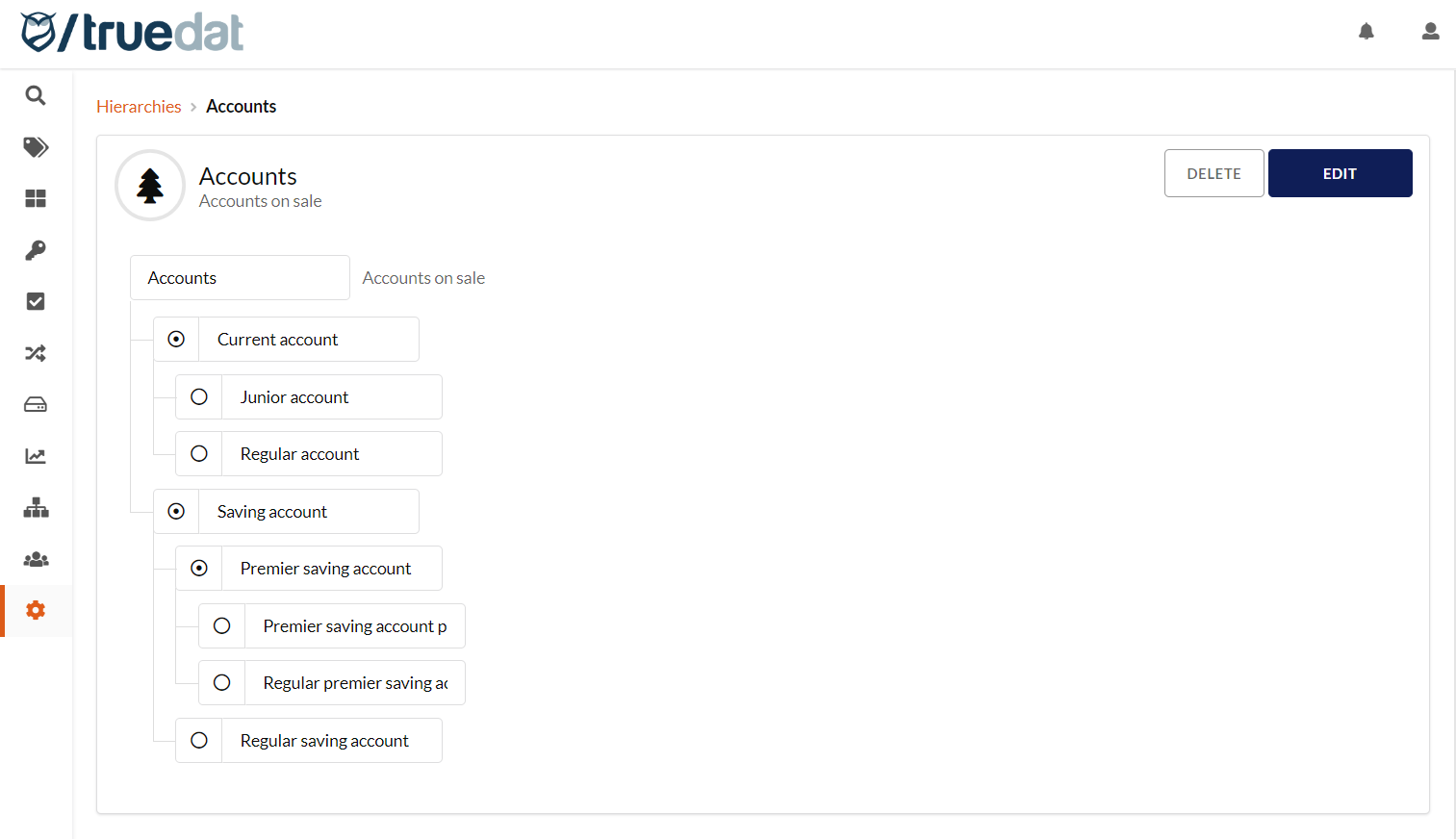
 : Node with nodes underneath. Clicking on this icon will expand the sublevels.
 : Node with nodes underneath that are already visible. Clicking on this icon will collapse the sublevels.
 : Node at the lowest level.
#### Create new hierarchy
You can create a new hierarchy in the web application or by uploading a CSV file. The file must use this structure: "id,name,parentId,description". Consider the following:
* The `id` and `parent_id` values must always be numeric.
* If `parent_id` is empty, the node is considered a first-level node.
#### Edit existing hierarchy
You can edit an existing hierarchy in the web application or by uploading a CSV file.
: Node at the lowest level.
#### Create new hierarchy
You can create a new hierarchy in the web application or by uploading a CSV file. The file must use this structure: "id,name,parentId,description". Consider the following:
* The `id` and `parent_id` values must always be numeric.
* If `parent_id` is empty, the node is considered a first-level node.
#### Edit existing hierarchy
You can edit an existing hierarchy in the web application or by uploading a CSV file.