> For the complete documentation index, see [llms.txt](https://docs.truedat.io/llms.txt). Markdown versions of documentation pages are available by appending `.md` to page URLs; this page is available as [Markdown](https://docs.truedat.io/v6.15/administration/search-filters.md).
# Search filters
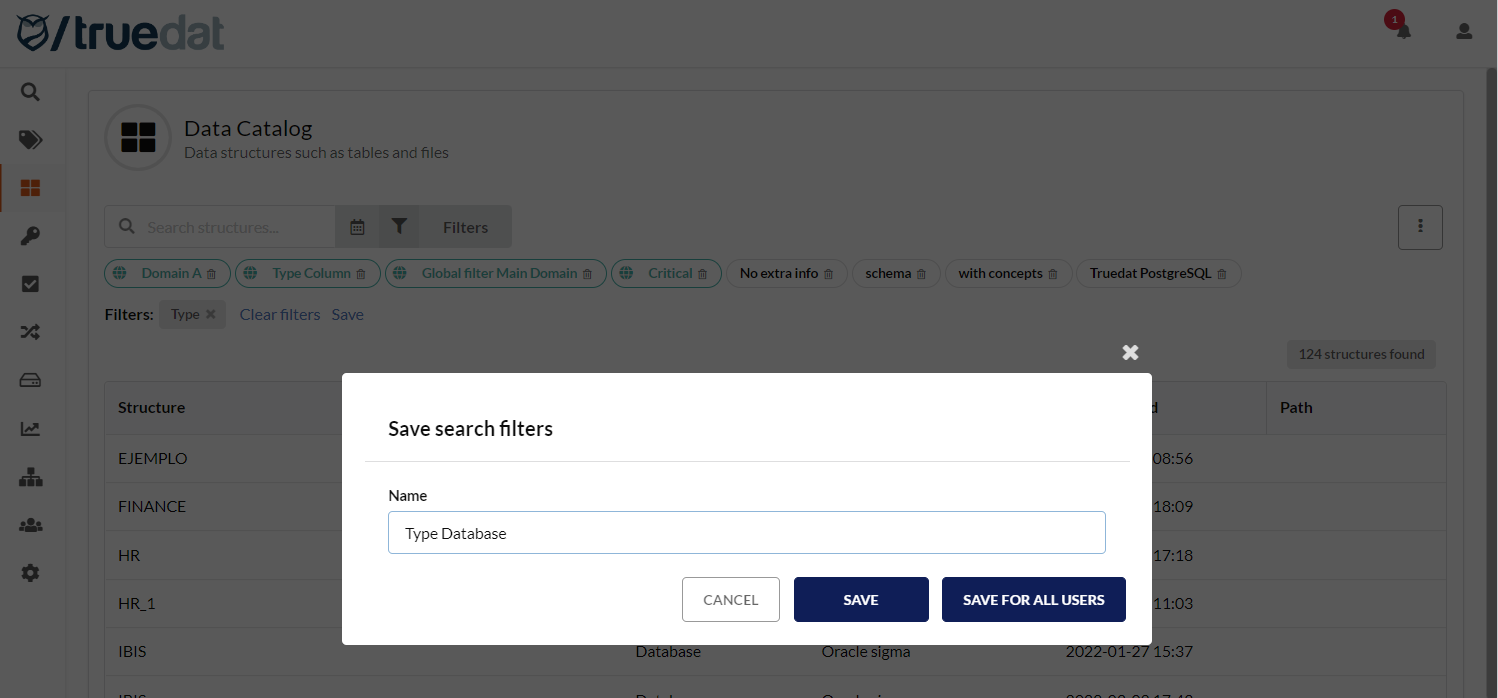
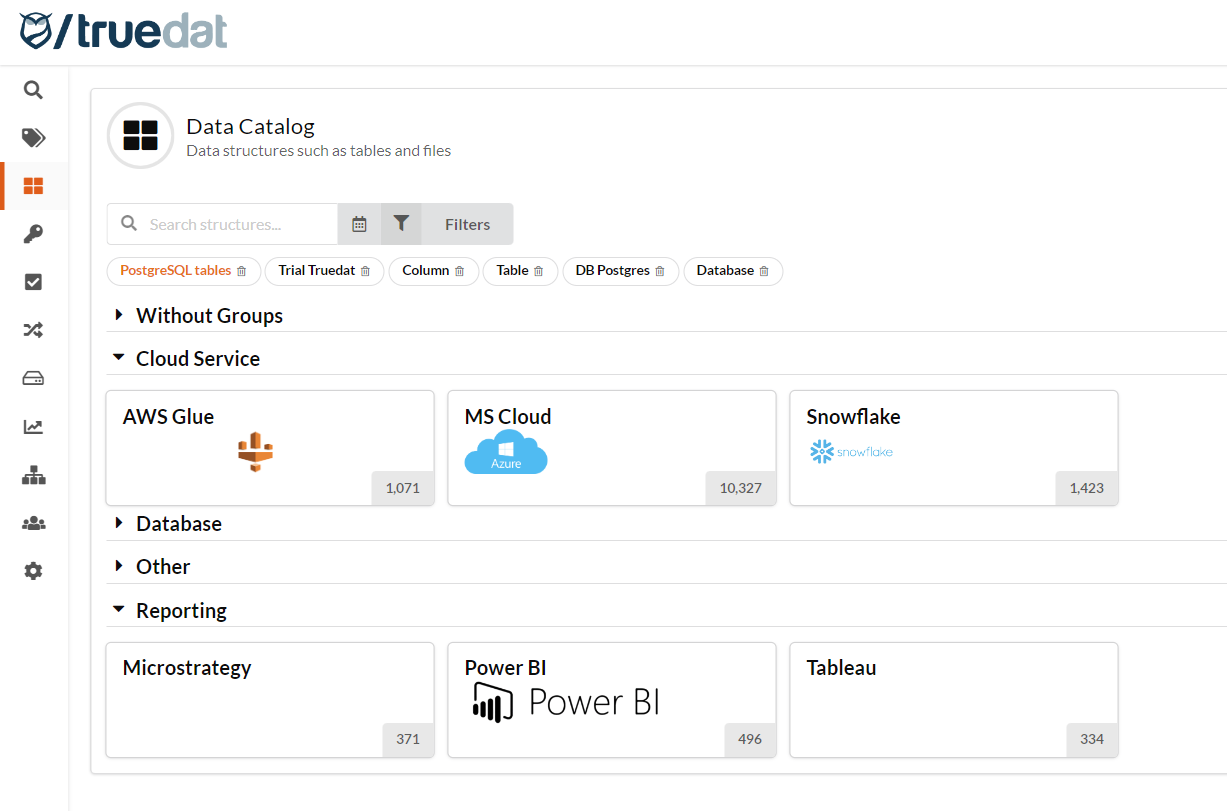
An administrator can create search filters in the Data Catalog, Data Quality and Business Glossary modules and save them so all users of those modules will have them available by default when they access. Only the administrator can delete these global search filters. Users can view and use global filters and can still create and save their own personal search filters.
Click on "Save for all users" to create a global filter
Global filters will be highlighted in a different colour (orange in the example above)