> For the complete documentation index, see [llms.txt](https://docs.truedat.io/llms.txt). Markdown versions of documentation pages are available by appending `.md` to page URLs; this page is available as [Markdown](https://docs.truedat.io/6.8/administration/hierarchies.md).
# Hierarchies
As an administrator you can create hierachies that can be used when defining templates. In the Administration module, in the Hierarchies menu option you will see the list of all the already defined hierarchies and can see their details.
Legend:
: Node with nodes underneath. Clicking on this icon will expand the sublevels.
: Node with nodes underneath that are already visible. Clicking on this icon will collapse the sublevels.
: Node at the lowest level.
#### Create new hierarchy
You can create a new hierarchy from the web but also uploading a csv file. This file must have the following structure: "id,name,parentId,description", and with the following considerations:
* The id and parent\_id always must be numeric
* If the parent\_id is empty, then it will be considered first level
#### Edit existing hierarchy
You can edit an existing hierarchy directly on the web or uploading a csv file.
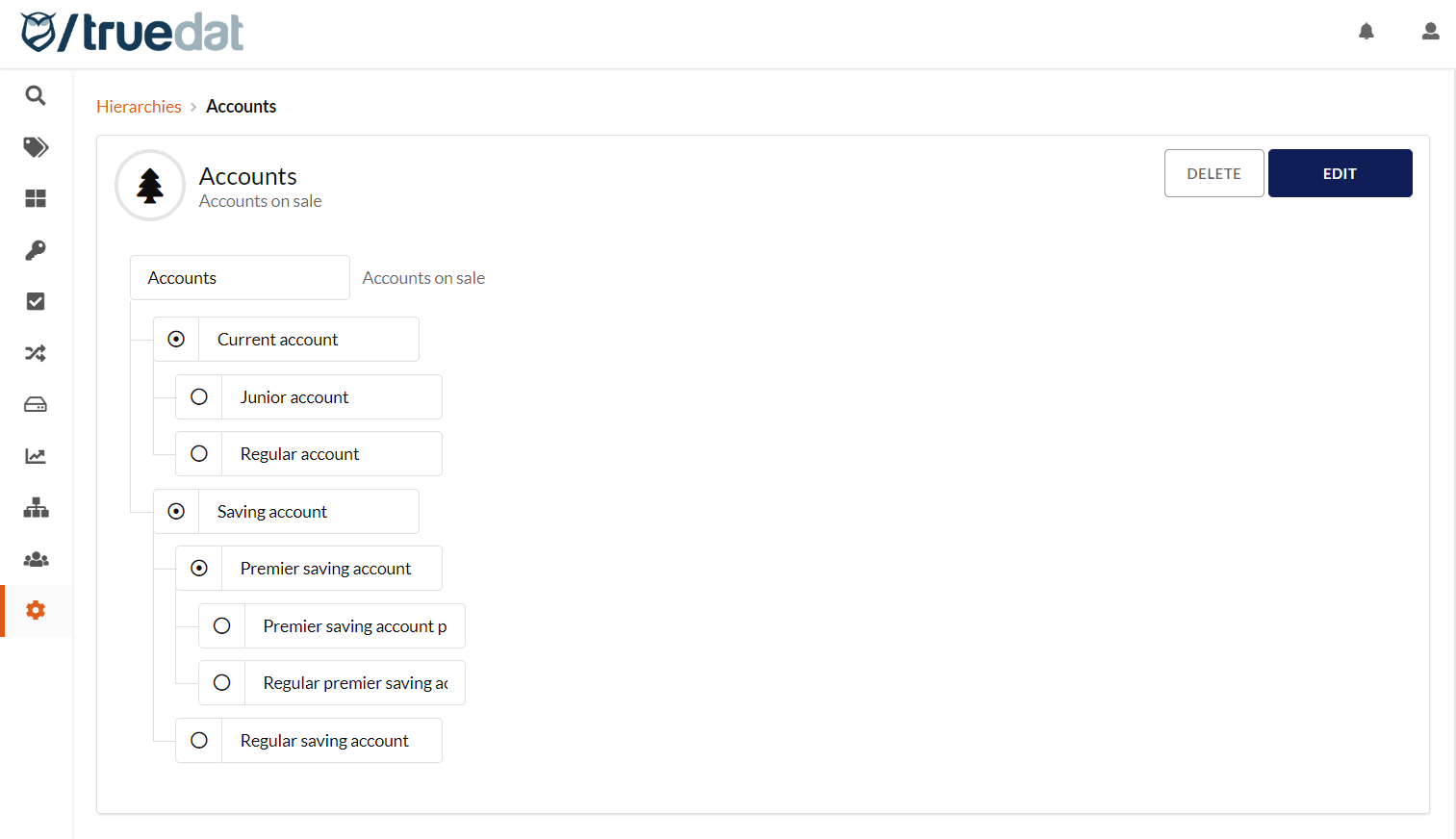
 : Node with nodes underneath. Clicking on this icon will expand the sublevels.
 : Node with nodes underneath that are already visible. Clicking on this icon will collapse the sublevels.
 : Node at the lowest level.
#### Create new hierarchy
You can create a new hierarchy from the web but also uploading a csv file. This file must have the following structure: "id,name,parentId,description", and with the following considerations:
* The id and parent\_id always must be numeric
* If the parent\_id is empty, then it will be considered first level
#### Edit existing hierarchy
You can edit an existing hierarchy directly on the web or uploading a csv file.
: Node at the lowest level.
#### Create new hierarchy
You can create a new hierarchy from the web but also uploading a csv file. This file must have the following structure: "id,name,parentId,description", and with the following considerations:
* The id and parent\_id always must be numeric
* If the parent\_id is empty, then it will be considered first level
#### Edit existing hierarchy
You can edit an existing hierarchy directly on the web or uploading a csv file.